Month: December 2024


  • Understanding the Reports Feature in Phenix/fineract

    Understanding the Reports Feature in Phenix/fineract

    The “Reports” feature in Phenix/fineract is one of the most important aspects of the platform, providing financial institutions with powerful insights into their operations. By delivering comprehensive and real-time data, Phenix/fineract enables administrators to track performance, analyze trends, and make informed decisions to enhance organizational efficiency. What is the Reports Feature in Phenix/fineract? The Reports…

    Read more


  • Simplify Your Communication with Templates in Phenix/fineract

    Simplify Your Communication with Templates in Phenix/fineract

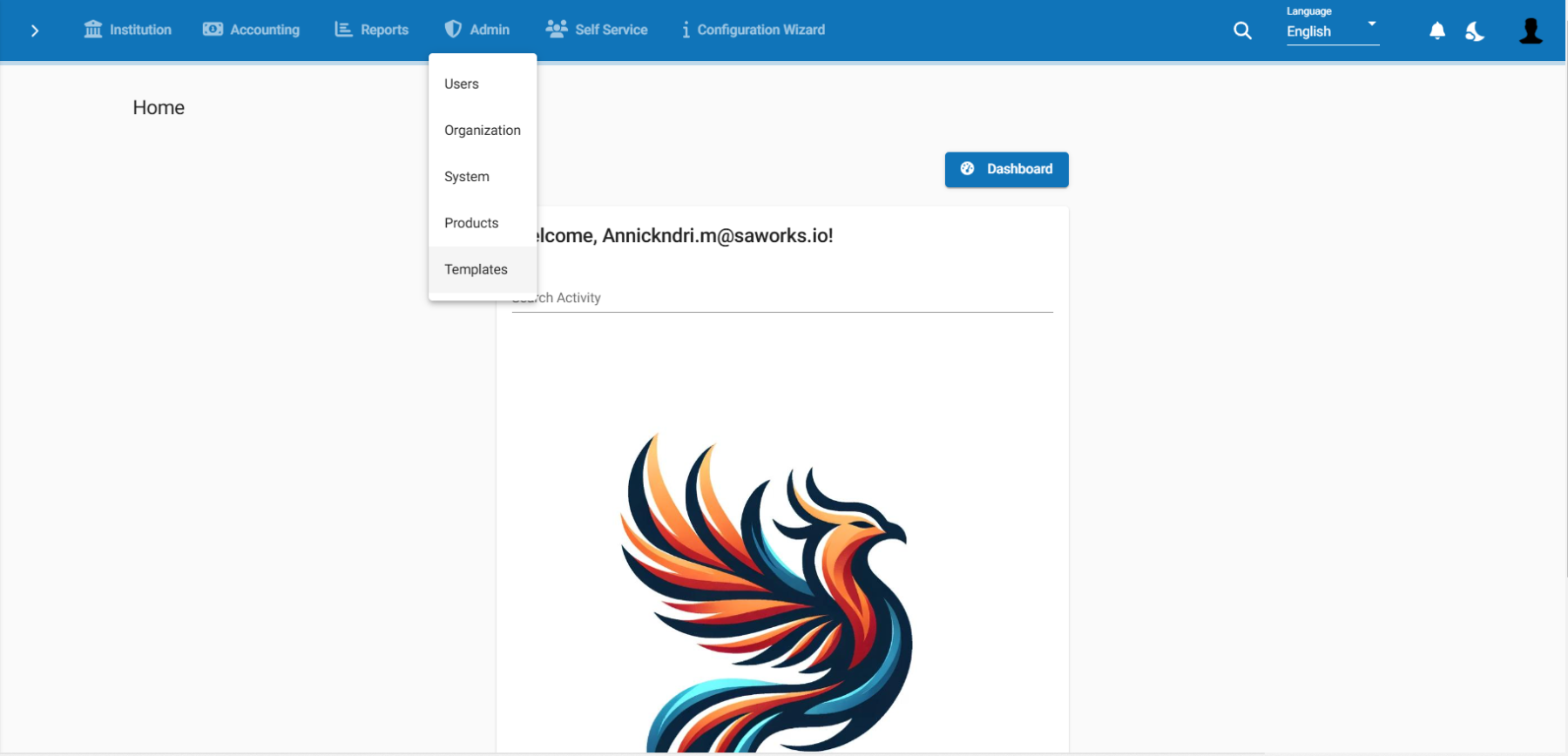
    In a financial institution, each interaction with clients and partners requires clear, precise, and well-presented documents. This is where the “Templates” submenu in Phenix/fineract becomes a major asset. Accessible through the Administrator Menu, this submenu allows administrators to create, manage, and customize document templates, ensuring effective and consistent communication. What is the Templates Submenu in…

    Read more


  • Managing Offices in Phenix/fineract: Structuring Your Financial Institution’s Operations

    Managing Offices in Phenix/fineract: Structuring Your Financial Institution’s Operations

    Introduction Effective management of multiple offices is crucial for any growing financial institution. In Phenix/fineract, an open-source financial management system, the “Manage Office” feature is key to organizing and overseeing different branches or office locations within an institution. By structuring your offices in Phenix/fineract, you can efficiently manage operations, allocate responsibilities, and maintain smooth coordination…

    Read more


  • Understanding and Using the Configuration Wizard in Phenix/fineract

    Understanding and Using the Configuration Wizard in Phenix/fineract

    The Configuration Wizard is a built-in tool in Phenix/fineract designed to guide administrators through the initial setup and customization of the system according to their organization’s specific needs. This process simplifies onboarding and ensures consistent and efficient implementation. Here’s an overview of its purpose, features, and how to use it. Understanding and Using the Configuration…

    Read more


  • Discovering the “Template” Submenu in the Phenix/fineract Administrator Menu

    Discovering the “Template” Submenu in the Phenix/fineract Administrator Menu

    The “Template” submenu in the Phenix/fineract Administrator menu is a powerful feature designed to enable financial institutions to customize their communications and documents. Through this tool, administrators can create and manage templates that streamline and standardize interactions with clients. What is the “Template” Submenu? The “Template” submenu provides a dedicated space for designing, managing, and…

    Read more


  • Exploring the “Produits” Submenu in the Phenix/fineract Administrator Menu

    Exploring the “Produits” Submenu in the Phenix/fineract Administrator Menu

    he “Produits” submenu in the Phenix/fineract Administrator Menu is a vital feature for configuring and managing the financial products offered by a financial institution. This submenu allows administrators to define, customize, and manage products that meet the specific needs of their clients, including loans, savings, and other financial services. Key Features of the “Produits” Submenu…

    Read more


  • Exploring the “User” Submenu in Phenix/fineract

    Exploring the “User” Submenu in Phenix/fineract

    In the world of microfinance, one of the keys to success lies in the smooth and efficient management of users and permissions. The User sub-menu in the Administrator menu of Phenix/fineract plays a crucial role by enabling administrators to manage user accounts, control access to different modules, and maintain the platform’s security. This blog delves…

    Read more


  • Exploring the “Center” Submenu in PHENIX/fineract

    Exploring the “Center” Submenu in PHENIX/fineract

    In the field of financial solutions, phenix/fineract stands out as a powerful and flexible platform for managing microfinance institutions. Among its many features, the “Center” submenu plays a crucial role in structuring and managing operations within financial organizations. This post provides an in-depth exploration of this submenu, highlighting its utility and functionality. What is a…

    Read more


  • Managing the Chart of Accounts in Phenix/fineract: Structuring Financial Management

    Managing the Chart of Accounts in Phenix/fineract: Structuring Financial Management

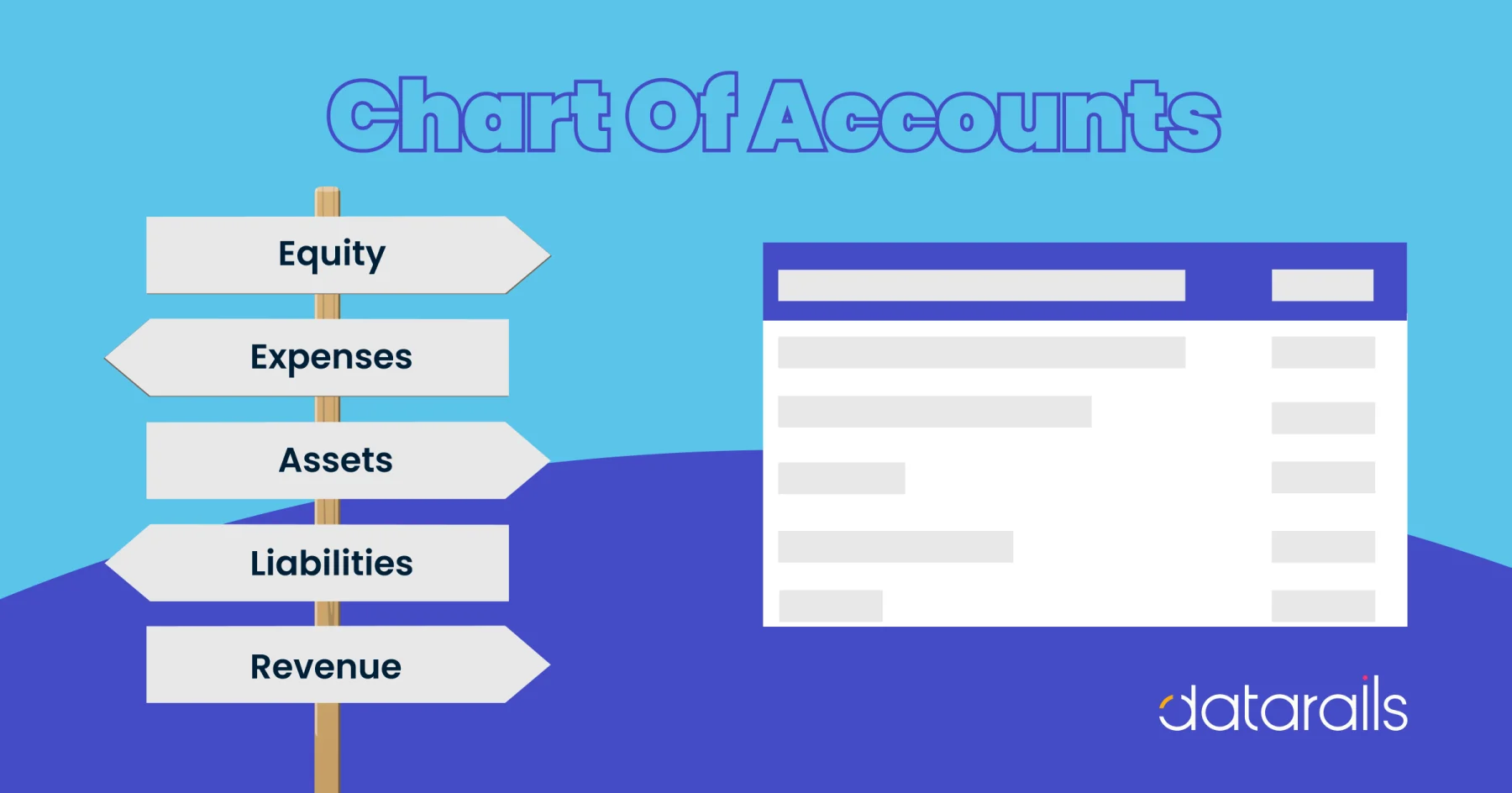
    Introduction The chart of accounts (COA) is a fundamental element of financial management in any institution. It is a comprehensive list of all accounts used to record financial transactions, categorized into different types such as assets, liabilities, equity, income, and expenses. In Phenix/fineract , an open-source financial management system, the chart of accounts is essential…

    Read more


  • Optimize Collective Client Management with the “Group” Submenu in Phenix/fineract

    Optimize Collective Client Management with the “Group” Submenu in Phenix/fineract

    In the financial sector, institutions often work with groups of clients organized in associations, cooperatives, or informal groups. The “Group” submenu in Phenix/fineract, located under the Administrator Menu, is specifically designed to facilitate the management of these collective clients. This submenu offers a range of features that help institutions structure, manage, and analyze group-related information.…

    Read more