
How to create a currency
As many operations within Phenix take place on an international scale, a variety of currencies may be used. This section allows an organization to define the currencies that will be used in its interactions within the Phenix system.
From the Home page, click the Admin button in the top menu bar, then select Organization from the drop-down list. This will open the Organization menu. Next, select Currency Configuration.
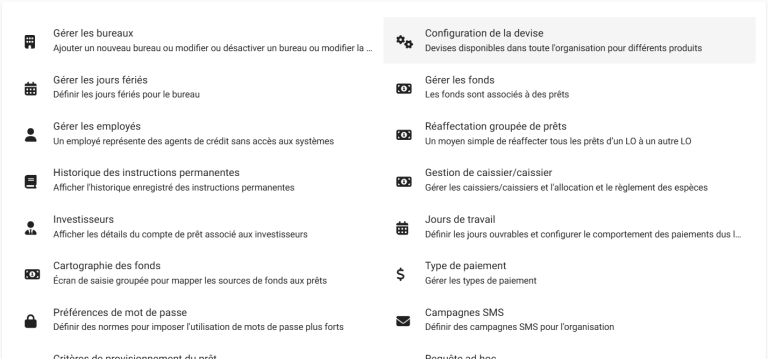
Add or Edit Currencies
Follow the steps below to add or remove currencies from your organization’s Phenix profile. The selected currencies will be displayed with their currency code.
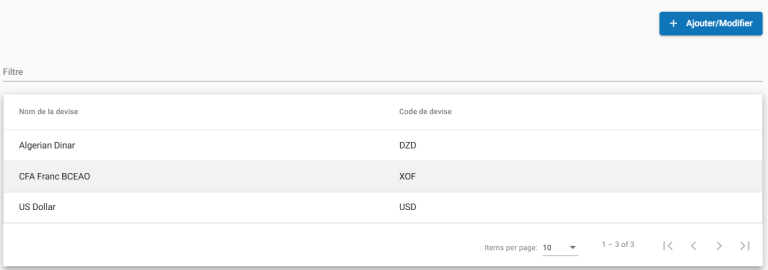
Click the blue Add/Edit button located at the top right of the screen.
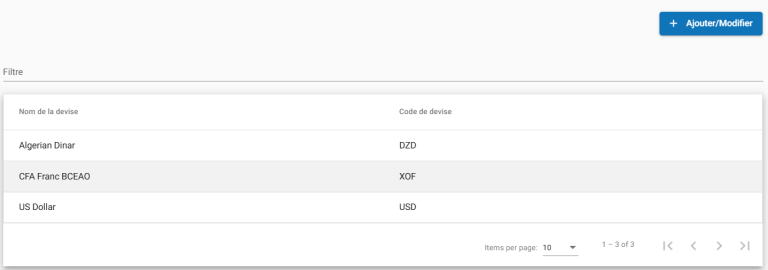
This will display a list of all currencies currently in use. Click the red trash can icon to the right of a currency to remove it from your organization’s selected currencies.

Type the name of the currency you want to add in the New Currency field. Phenix will automatically filter matching results as you type.

Click the blue ‘+’ button to the right of the field to add the selected currency.

