
Working Days
How To Create Working Days
Working days page allows you to define which days of the week are working days.
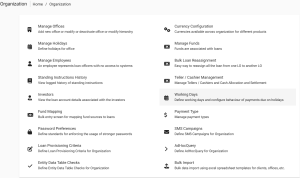
Beginning at the main screen, select Admin, then Organization from the drop down menu. This will launch the Organization menu. Select Working Days to specify working days.
This will launch the Working Days page with days pre-selected.
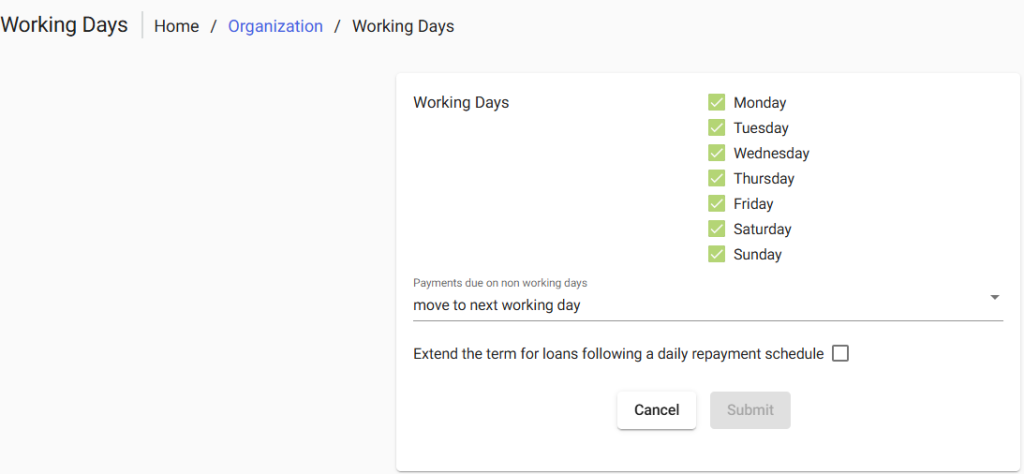
You now are able to do the following;
- You can un-check the working days that do not apply in your organization and check those that do by clicking on the box besides the day of the week. Checking the box means the day is a working day while un-checking means the day is a non-working day.
- Select the day in which payments due on non-working days will apply by clicking the drop-down menu.
