Creating a Preliminary Account via Mobile for New Users
Introduction
The Phenix Mobile Application enables any eligible person to create a preliminary customer account without having to visit the bank in person. The customer must subsequently visit the bank with the original supporting documents for verification.
After verification, if the documents are validated, the customer’s account can be activated, allowing access to the products and services offered by the bank.
If the documents are not validated, the customer will be required to return with the missing documents in order to benefit from the bank’s offerings.
Getting Started
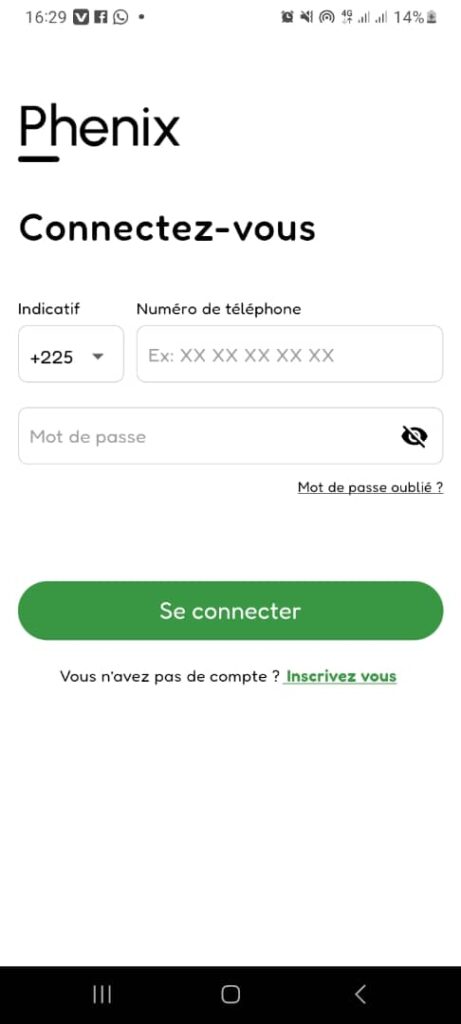
When launching the application, you will be presented with a form containing two fields and a country code selector that allows you to choose your country’s phone code. This is the login form.
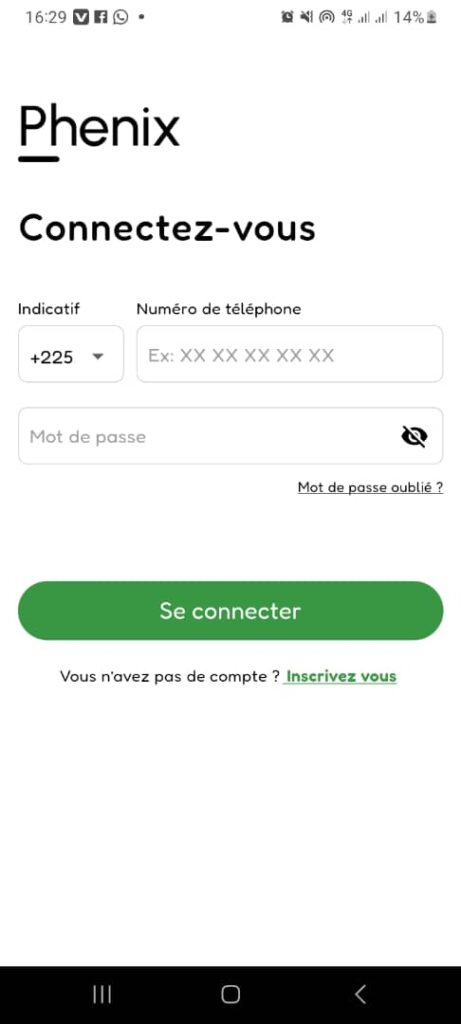
Login Form
This form allows you to access the application if you already have an account.
If you do not yet have an account, click the “Sign Up” link located at the bottom right of the “Sign In” button to create a new account.